The Checks tab
By Omid Mogasemi
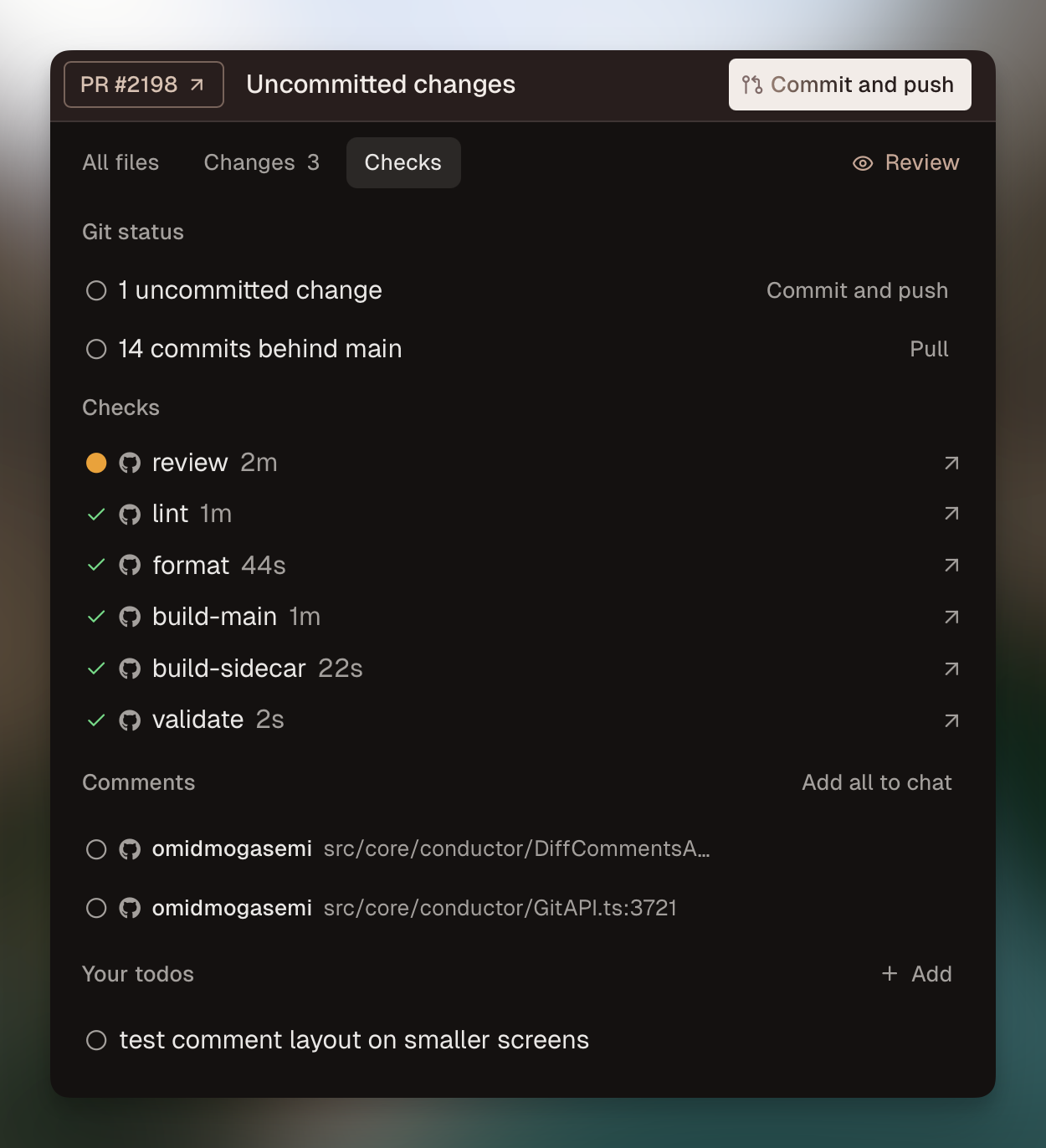
In Conductor v0.31.1 we’re introducing the Checks tab. It’s one place to keep track of everything you need to do before merging.
Why Checks?
Conductor makes it easy to run coding agents in parallel. But when navigating between workspaces, it’s often helpful to see at a glance what the latest state of each branch is. Are there PR comments that need addressing? Merge conflicts to resolve? Failing CI actions?
We already show the next recommended action in the top right corner of each workspace. These are helpful when there’s one clear next step, like when a branch is ready to merge.

What we check
When there are multiple tasks that need your attention, the Checks tab can provide a more complete breakdown. The Checks tab includes:
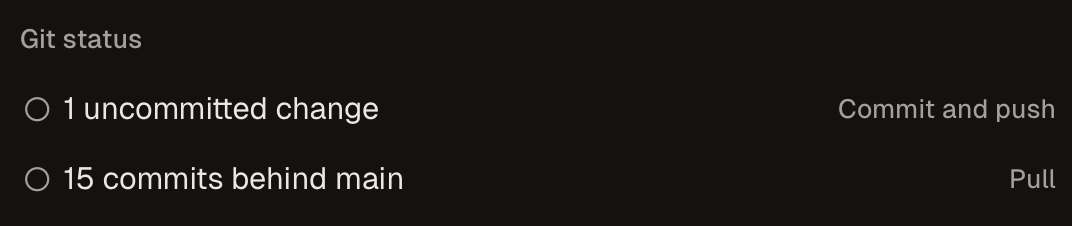
- Git status - All remaining git tasks (merge conflicts to resolve, new changes to pull from the remote, etc)
- Deployments - The latest GitHub deployments associated with the current PR
- Actions - The latest GitHub Actions associated with the current PR
- Comments - All unaddressed comments left on GitHub or by agents in Conductor
- Your todos - Human todos that will block merging in Conductor until they are resolved
Each item in the Checks tab has a recommended action you can take to resolve it. These include actions like sending failing CI logs to the AI agent to fix or forwarding comments to the AI.
How we built the Checks tab
The Checks tab is built using the gh CLI to fetch info about the current branch. We also sync user todos to a local file so they can easily be shared with the agents.