You can now copy a plan from Claude Code or send it to a new chat for implementation.
Fixes
- Fixed Claude Code installations for new users
You can now copy a plan from Claude Code or send it to a new chat for implementation.
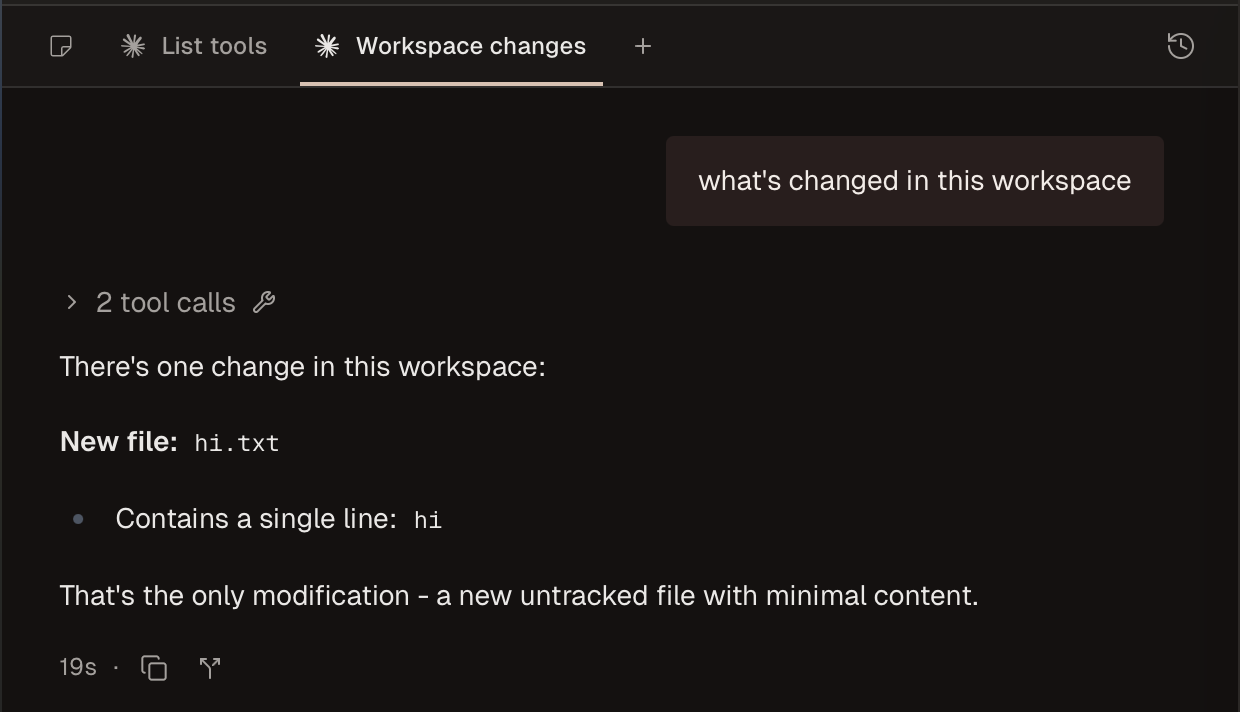
You can now attach a summary of your previous chats in new tabs.
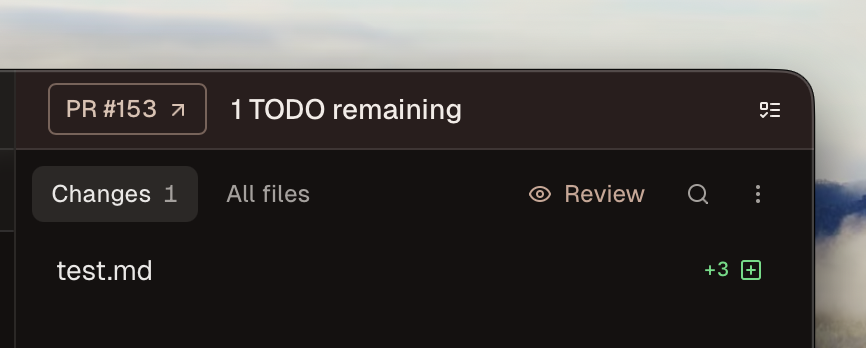
Conductor now shows Codex's changes after each turn.
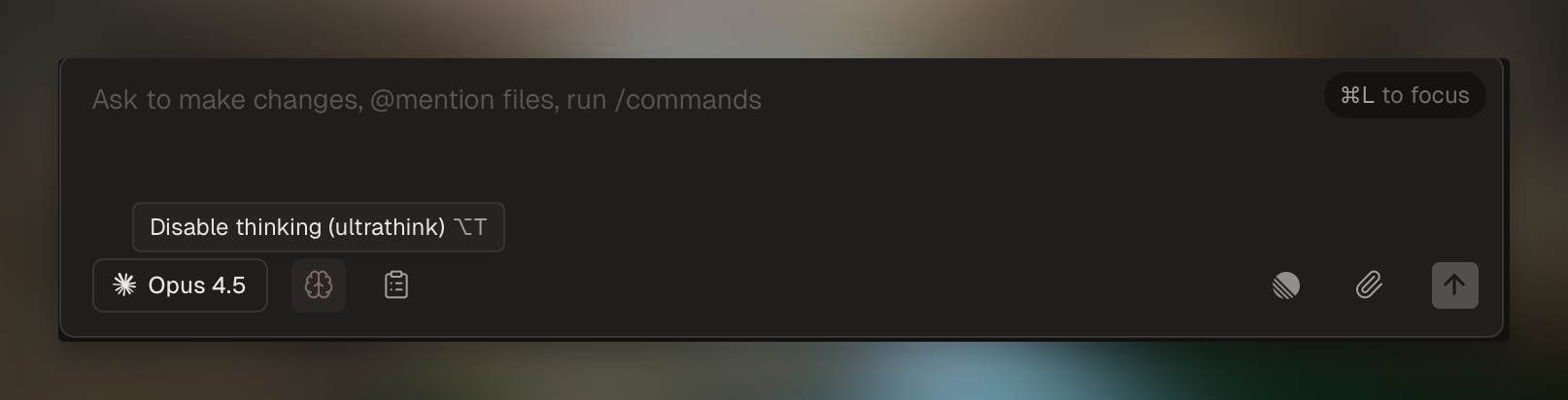
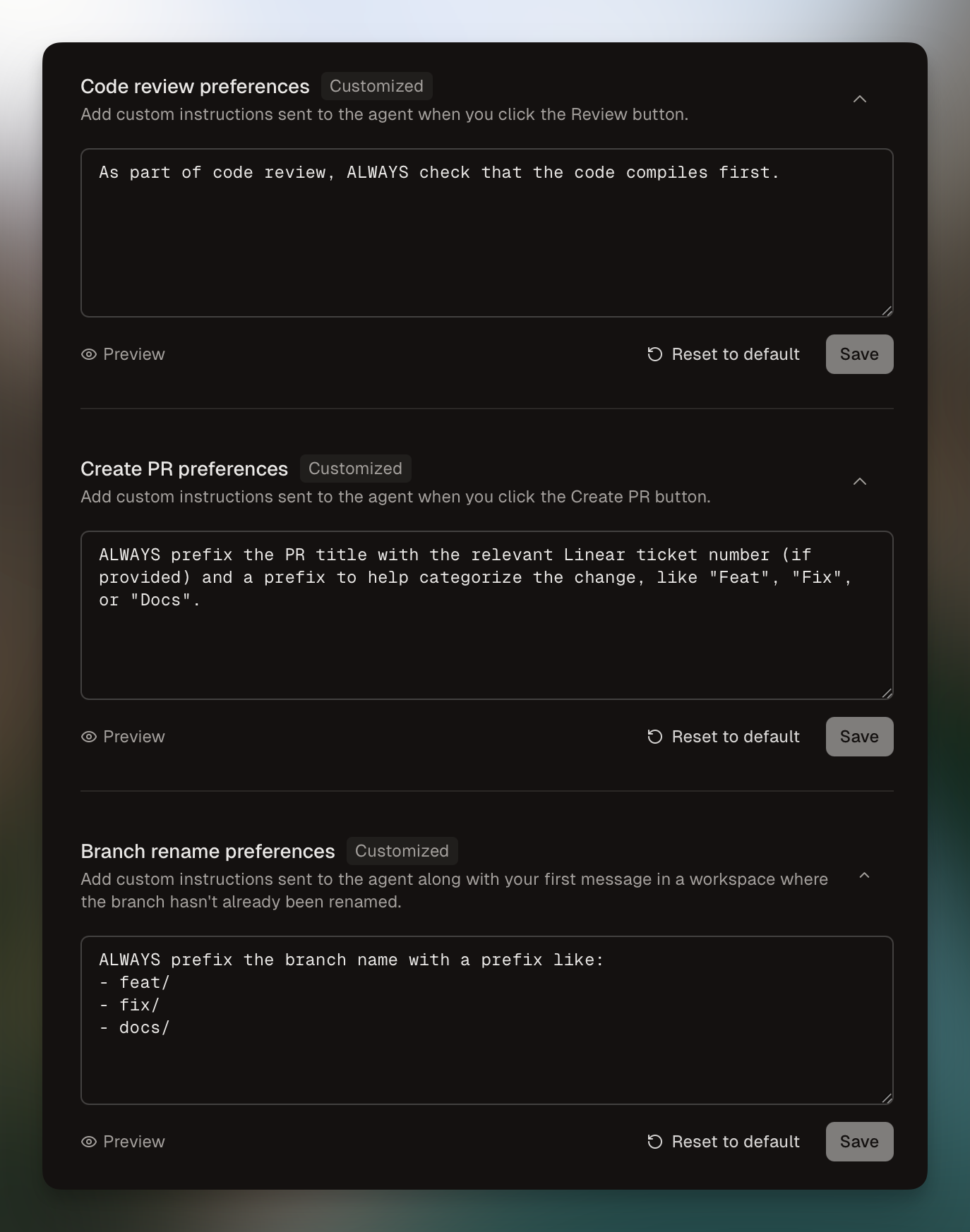
Also, select your default model and thinking level for reviews.
OpenAI's latest agentic coding model is now available in Conductor.
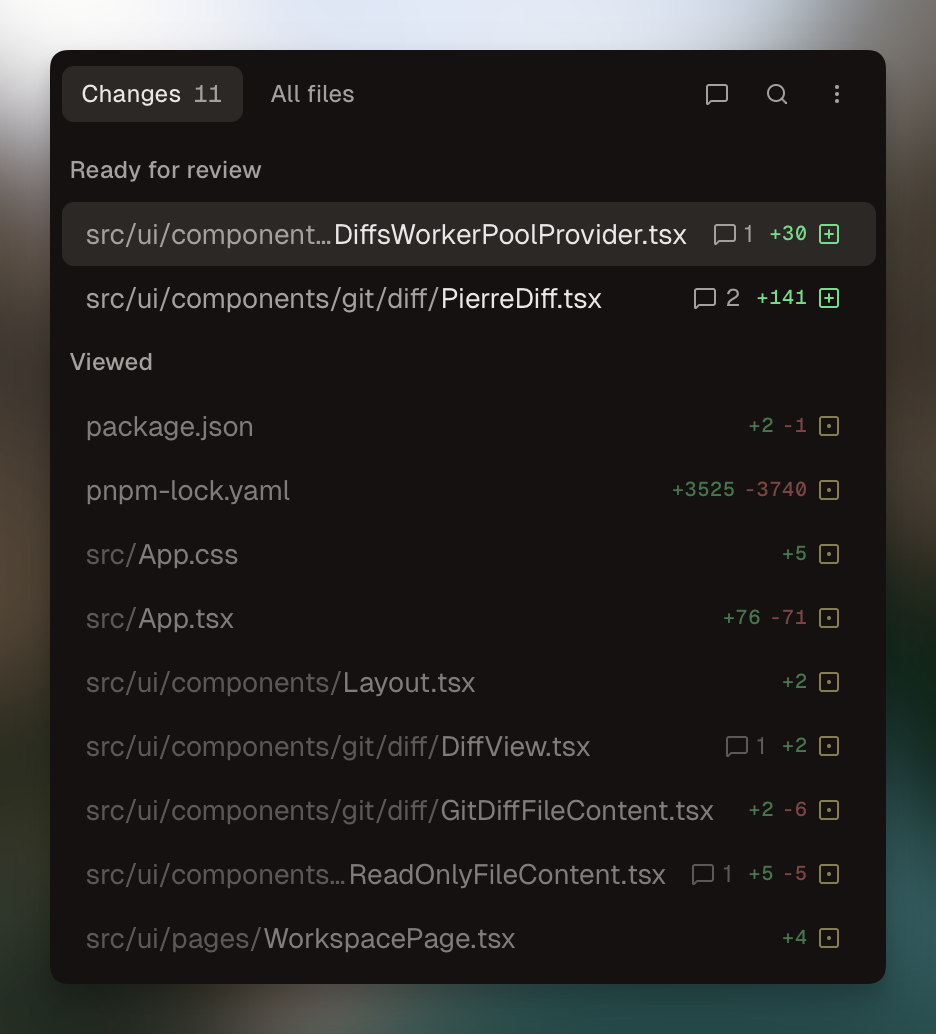
We've also given the diff viewer a face lift!
You can now expand the terminal to full height. Try Gemini 3 via the gemini cli:
You can also now set env variables in Claude Code's environment in Settings → Env. This is useful for configuring third-party providers or providing Claude with specific env values.
If you've previously set a provider in the Settings → Provider tab, we automatically migrate your env variables to the new Env section.
We've also added incremental expansion to our diff viewer:
./pull_request_template.md, .github/pull_request_template.md, docs/pull_request_template.md)You can now cancel Codex while it's working (ESC) and we've reduced bundle size from 225MB to ~124MB.
OpenAI's latest model is now available in Conductor.
Sub-agent tool calls will now be neatly nested in the chat.
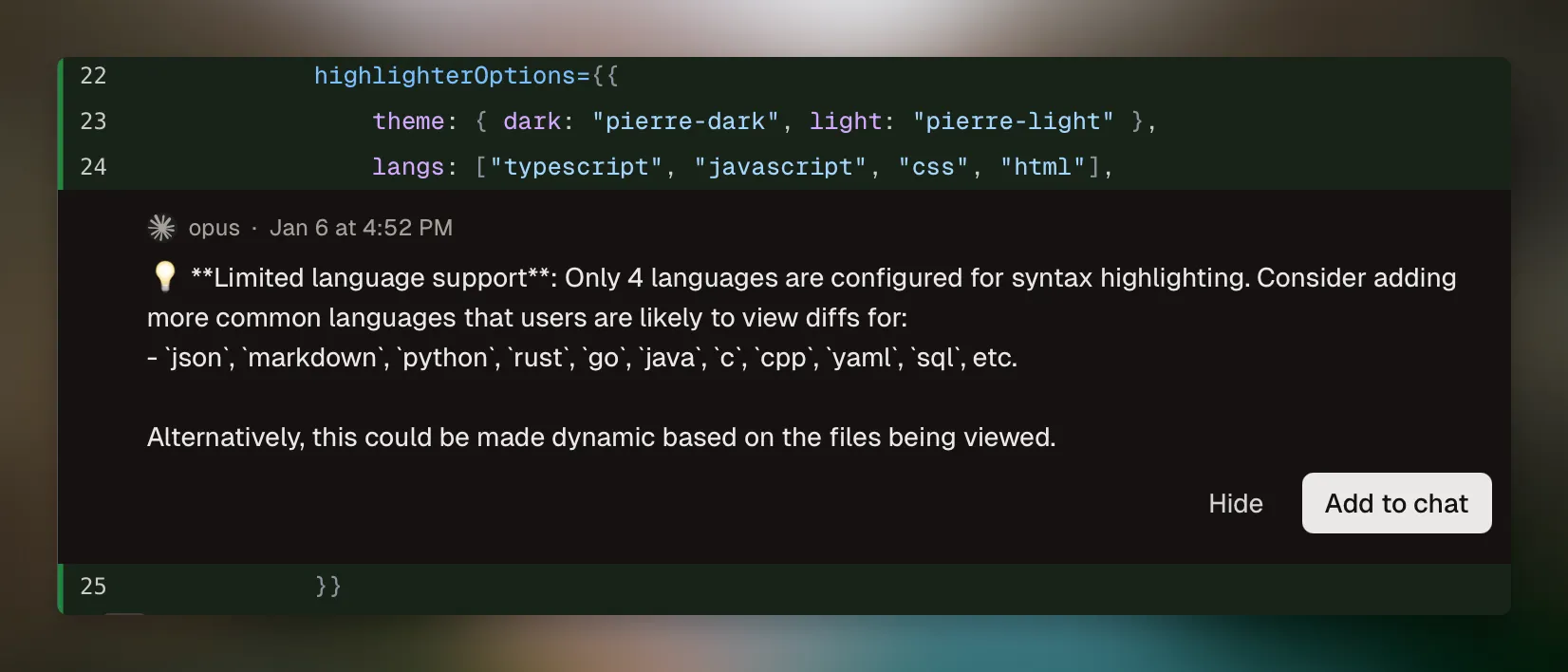
Click the "Review" button in the right sidebar to get the AI to review changes.
You can now view turn-by-turn diffs for each message in the chat.
⌘. shortcut to activate Zen modeWe've also added GPT-5-Codex Mini, and brought back Opus 4.1.
⌘⇧C shortcutWe've added a new file opener. Use ⌘P to search files across your workspace!
We now automatically generate chat titles for your tabs:
We've also removed some unnecessary GitHub API usage (to avoid hitting rate limits) and improved autoscrolling in chats.
Unable to merge statuses in the UIRevert your chat to a previous turn, wiping the conversation history and changes.
Also, view at a glance changes in Claude's most recent turn.
Learn more about checkpointing in our docs.
You can now also close the left sidebar. Press ⌘B to toggle the left sidebar, and ⌥⌘B to toggle right.
Or, turn on Zen Mode with CTRL+Z to hide both at once.
model not found error in older chatsnot_found_error when setting gpt-5-codex as the default model in Settings