Introducing Conductor Cloud →
0.37.1
Mar 3, 2026
Polish and bug fixes

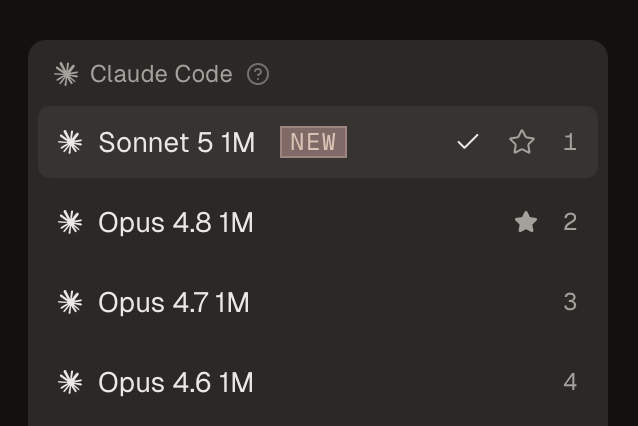
You can now use the number keys to quickly switch between models:

image.png

Improvements

  • More intuitive back/forward navigation
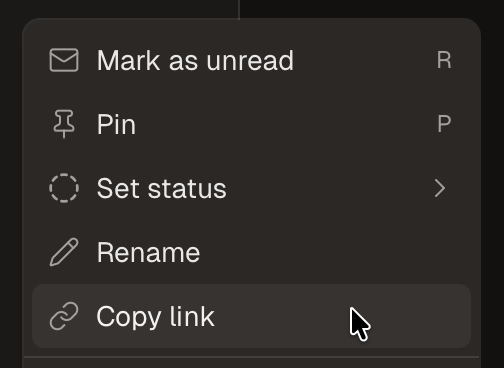
  • You can now right-click on a workspace to quickly navigate to repo settings
  • Simplified the “Next unread” button
  • You can now see a workspace's city name on the history page

Fixes

  • Fixed a UI issue with the slash commands autocomplete menu
  • Fixed a transparent background on the scroll-to-button button
  • Fixed flickering in the file picker (Cmd+P)
  • Fixed several layout shifts
  • Fixed issues with cmd+O opening the wrong directory in some apps

Misc

  • Disabled autocomplete and hints when editing files
  • Standardized the two help menus and added an option to open the debug tools
  • Improved help text when Conductor can't compute the git status
  • Added an experimental option to show CPU and memory usage
0.37.0
Mar 3rd, 2026
Manual Mode™

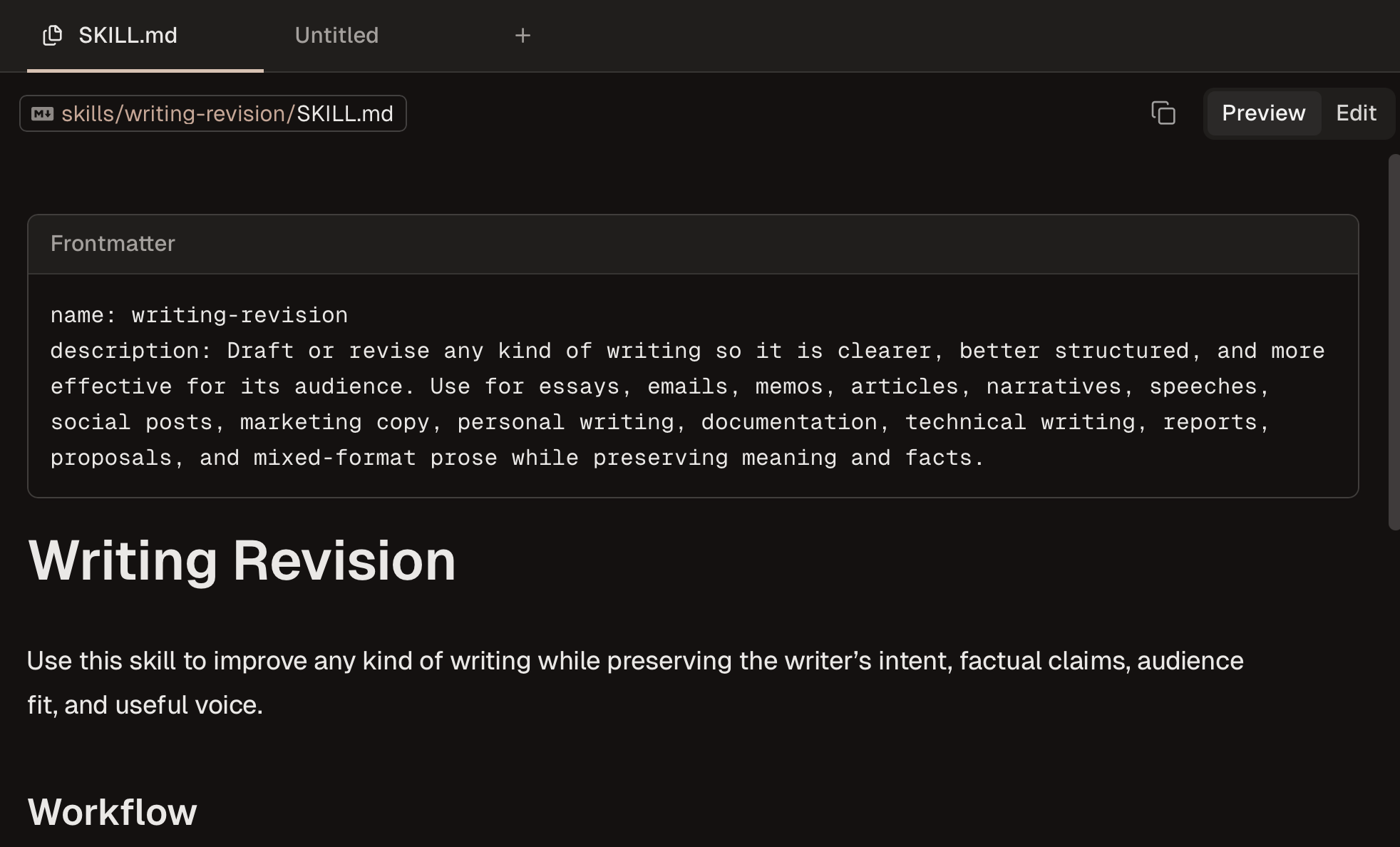
Conductor now has a built-in file editor for when you want to edit files directly (like a caveman). It comes with full syntax highlighting and ⌘F. We use it for quick edits, like .env files, json configs, or tailwind classes. Otherwise, ask the AI.

<video src="https://conductor-marketing.t3.tigrisfiles.io/uploads/1772585344123-video.mp4" width="100%" autoplay muted playsinline

We’ve also shipped some performance improvements—Conductor should feel snappier.

Improvements

  • Add text search to the repository selector in the Cmd+Shift+N menu
  • Display the port number on the terminal panel's open button
  • Add a button to copy rendered tables as markdown (thanks @brian_lovin)
  • Improve top bar tab density and hover feedback on tab actions

Fixes

  • Create missing folders automatically when starting a quick repo (thanks @swyx)
  • Stop polling for file changes after a turn completes
  • Prevent chat summaries from using external AI in enterprise data privacy mode
  • Fix the "mark as read" option and a bug with marking messages as unread
0.36.9
Feb 27th, 2026
Performance Improvements

We’ve removed some code that introduced performance issues. The app should feel snappier.

<video src="https://conductor-marketing.t3.tigrisfiles.io/uploads/1772243714830-Conductorsnappy.mp4" width="100%" autoplay muted playsinline

Improvements

  • Added a keyboard shortcut for commit and push (⌘⇧Y)
  • Added new shortcuts to open or duplicate a workspace from an existing branch (⌘⇧N)

Fixes

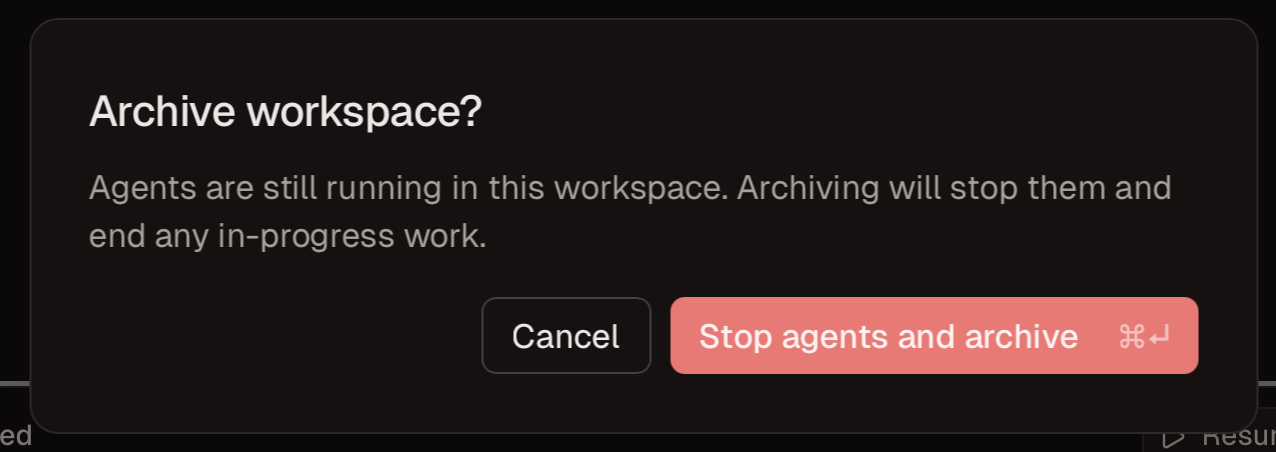
  • Removed the inline archive button from workspace list rows to prevent accidental archives
0.36.7
Feb 27th, 2026
Bug Fixes

We now detect if your Xcode license is out of date on app startup to avoid gh commands silently failing.

0.36.5
Feb 26th, 2026
Open from Linear, Bug Fixes

For Linear users: you can now open a Conductor workspace from a Linear issue! Check out Deeplink to AI Coding Tools to learn more.

Open from Linear

We’ve reduced the number of background GitHub gh requests, and added back the context meter.

Context meter

Improvements

  • You can now see and select GitHub issues directly from the create workspace dialog
  • Updated Claude Code SDK and bundled binaries to 2.1.59
  • Animated settings switch toggles

Fixes

  • Reduced GitHub polling for workspaces that are not active
0.36.4
Feb 24th, 2026
Next Workspace

You can now quickly jump between chats that need your attention or have unread messages. image

We’ve also smoothed out the animations when toggling thinking and plan mode, and improved our Linear integration.

<video src="https://conductor-marketing.t3.tigrisfiles.io/uploads/1771974746887-Screenshot_2026-02-23___08.42_PM.mp4" controls width="100%"

Fixes

  • Workspace diffs now time out after 20s
  • Linear deeplinks now handle prompt and path parameters and we’ve improved our loading state
0.36.3
Feb 23rd, 2026
Submit a Prompt, SDK Memory Leaks

You can now prompt a coding agent to build what you want to see in Conductor. If we like your prompt, we'll run it and merge the result!

image

To submit a prompt, click Help → Submit a prompt in the sidebar. Submit a prompt

The integrated terminal now respects tool version manager configurations like mise, asdf, and rbenv.

We've also updated the Anthropic Agent SDK to 2.1.50, which should solve some memory leak issues. Let us know if you're seeing any performance problems in Conductor - we'd love to get to the bottom of it.

Improvements

  • You can now enable enterprise data privacy mode by setting enterpriseDataPrivacy in conductor.json
  • Split workspace sidebar controls into separate filter and display buttons
  • "Show more" buttons in the sidebar when workspaces are grouped by repo

Fixes

  • File tabs now properly refresh content when navigating between text files
  • Fixed reversed branch order in Graphite stacks with 3+ levels
  • Integrated terminal now respects tool version manager configurations (mise, asdf, rbenv)
0.36.2
Feb 18th, 2026
Model Picker, Bug Fixes

You can now change your default model directly from the model picker: image Anthropic broke context usage info in the latest SDK release, so we've temporarily removed it.

Improvements

  • Added a button to copy the logs from a GitHub check
  • Switching to a different agent type (e.g., from Claude to Codex) now immediately switches to a new tab, instead of waiting to generate a summary
  • Clearer instructions for Claude’s ask-a-question tool
  • More small rendering optimizations

Fixes

  • Fixed markdown preview scroll in file and diff viewers
  • Fixed a crash that would occur when archiving workspaces
  • Fixed layout shift when creating workspaces from PRs

Lastly, a recommendation: please do not move or delete workspace or repo directories outside Conductor. It will get confused and have a bad time. We’ve added reminders about this in repo settings.

0.36.1
Feb 17th, 2026
Bug Fixes

We've fixed a bug that caused increased background resource usage. More performance improvements coming soon.

Improvements

  • Re-added the inline "New workspace" button
  • Chat overview bars are now capped at 50 turns for better readability
  • "Open in" button in the top bar now always shows the workspace directory

Fixes

  • Improved Xcode installation detection